Artistic and texture filters
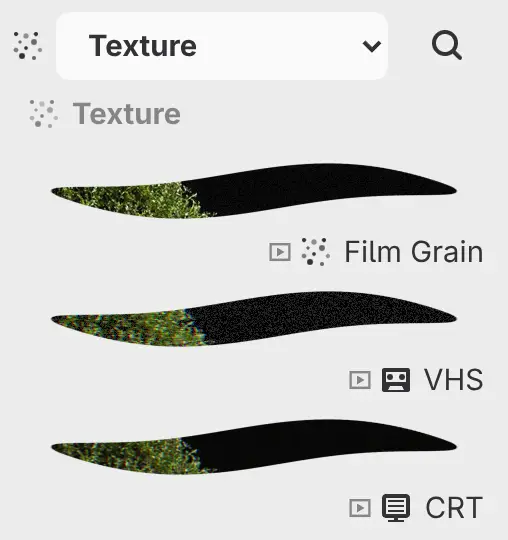
These filters are in Filter > Artistic and Filter > Texture, and in the Artistic and Texture categories of the Filters panel. You change their settings in the Properties panel.
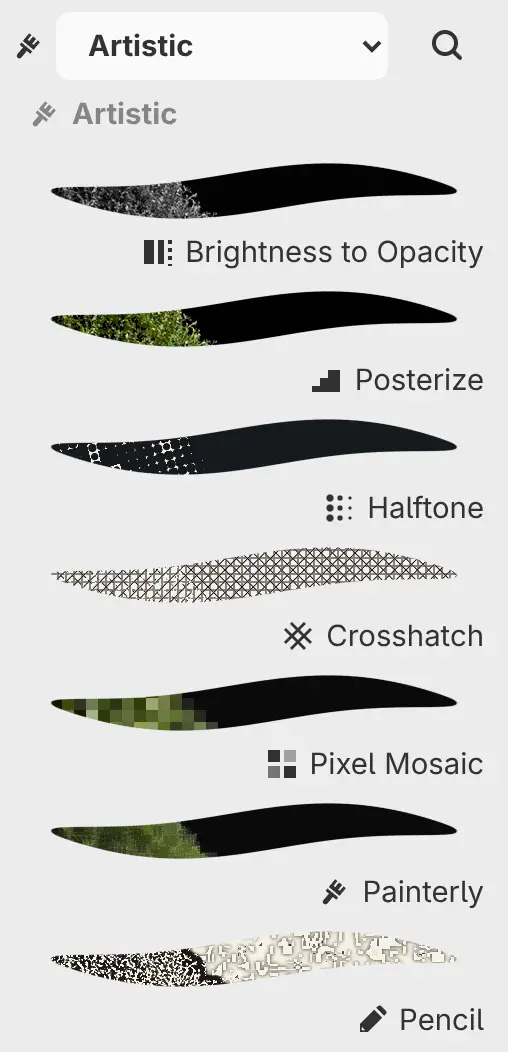
Posterize
Reduces each color channel to Levels evenly spaced values.
| Setting | Range or choices | Default |
|---|---|---|
| Levels | 2–256 | 6 |
Halftone
Redraws the image as round Ink dots on Paper, each sized by the darkness under it. Contrast widens the difference between small and large dots.
| Setting | Range or choices | Default |
|---|---|---|
| Dot spacing | 3–48 px | 9 px |
| Angle | −180° to 180° | 15° |
| Contrast | 0–100% | 30% |
| Ink | Any color | #0D1217 |
| Paper | Any color | #F5F0DE |
Crosshatch
Turns the image into hatching in Ink on Paper. Darker areas get more line directions, up to four.
| Setting | Range or choices | Default |
|---|---|---|
| Spacing | 3–32 px | 8 px |
| Line width | 0.25–4 px | 1 px |
| Angle | −180° to 180° | 0° |
| Ink | Any color | #121417 |
| Paper | Any color | #F7F2E8 |
Pixel Mosaic
Divides the image into squares of Cell size, each filled with the color at its center.
| Setting | Range or choices | Default |
|---|---|---|
| Cell size | 1–96 px | 12 px |
Painterly
Gives the image an oil-paint look by flattening detail within Radius into patches of even color, keeping the edges. Strength mixes the result with the original.
| Setting | Range or choices | Default |
|---|---|---|
| Radius | 1–16 px | 5 px |
| Strength | 0–100% | 100% |
Pencil
Draws the edges of the image as Ink lines on Paper. Contrast darkens the lines.
| Setting | Range or choices | Default |
|---|---|---|
| Radius | 0–21 px, or up to 85 px typed | 2 px |
| Contrast | 0–100% | 40% |
| Ink | Any color | #120F0D |
| Paper | Any color | #F7F2E6 |
Film Grain
Adds grain that changes over time and is strongest in the midtones. Color grain gives each color channel its own grain.
| Setting | Range or choices | Default |
|---|---|---|
| Amount | 0–100% | 18% |
| Size | 0.5–8 px | 1 px |
| Color grain | On or off | Off |
| Speed | 0–4 | 1 |
| Animate | On or off | On |
| Frozen time | 0–3600 s | 0 s |
VHS
Gives the image a videotape look with rows that jitter sideways by up to Tracking, red and blue fringes, scanlines and noise. The jitter and noise change over time.
| Setting | Range or choices | Default |
|---|---|---|
| Tracking | 0–32 px | 5 px |
| Noise | 0–100% | 12% |
| Scanlines | 0–100% | 20% |
| Speed | 0–4 | 1 |
| Animate | On or off | On |
| Frozen time | 0–3600 s | 0 s |
CRT
Makes the image look like an old TV screen: curved, with red and blue fringes, a striped RGB pixel mask, scanlines and a brightness band that rolls over time. Parts of the image pushed off the curved screen become transparent.
| Setting | Range or choices | Default |
|---|---|---|
| Curvature | 0–30% | 8% |
| Scanlines | 0–100% | 35% |
| Pixel mask | 0–100% | 25% |
| Separation | 0–5 px | 1 px |
| Animate | On or off | On |
| Frozen time | 0–3600 s | 0 s |
Animation
Film Grain, VHS and CRT are animated, and their rows in the Filters panel have the animation mark. With Animate on, the filter plays continuously at Speed (CRT has no Speed setting). Turn Animate off to hold the filter still at the moment set by Frozen time.
An exported image shows the animation at the moment of export.