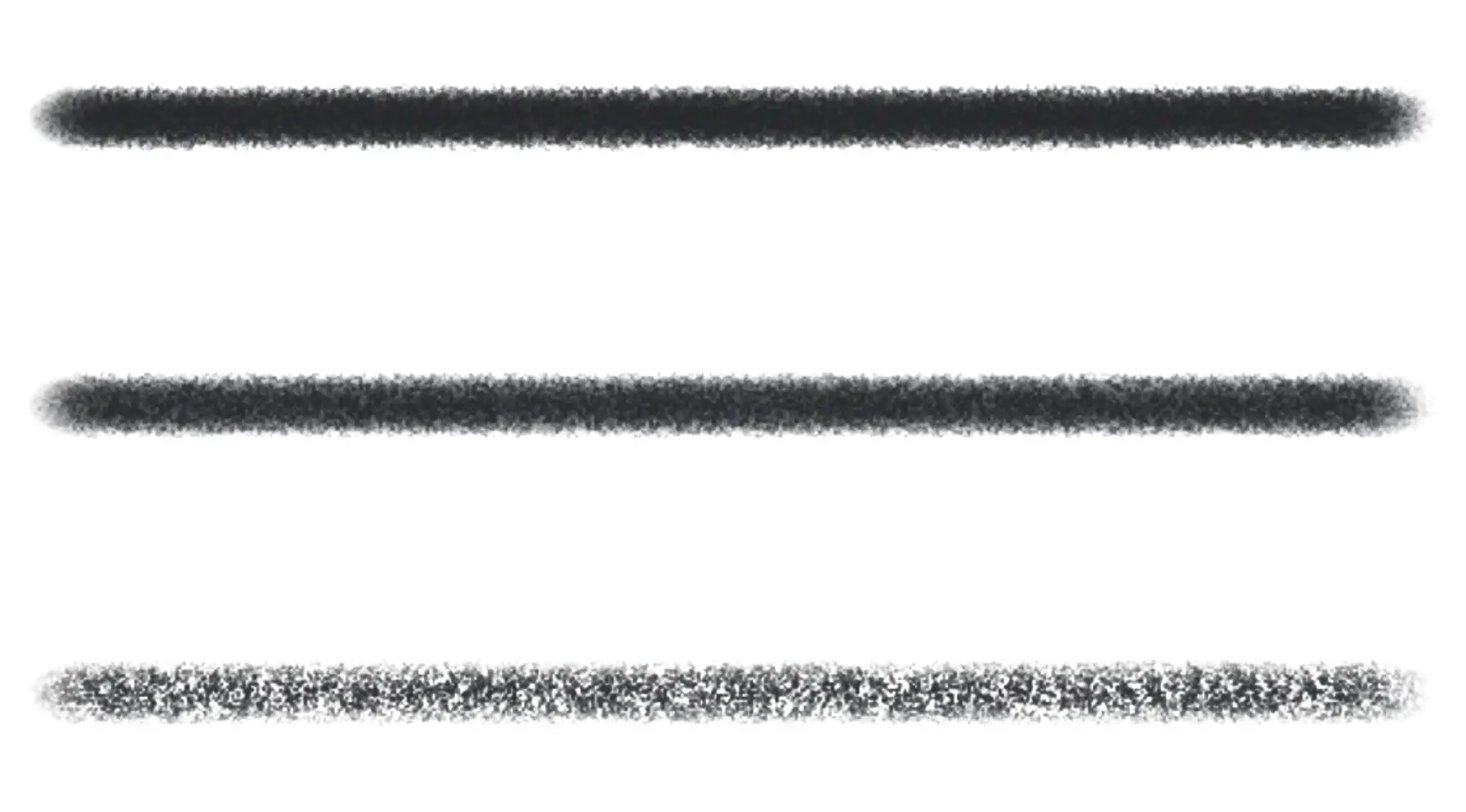
Tip and texture
You can change the shape of each dab and how strongly paper texture changes the mark with the Tip and Texture settings in the Tool panel (Size, strength and opacity).
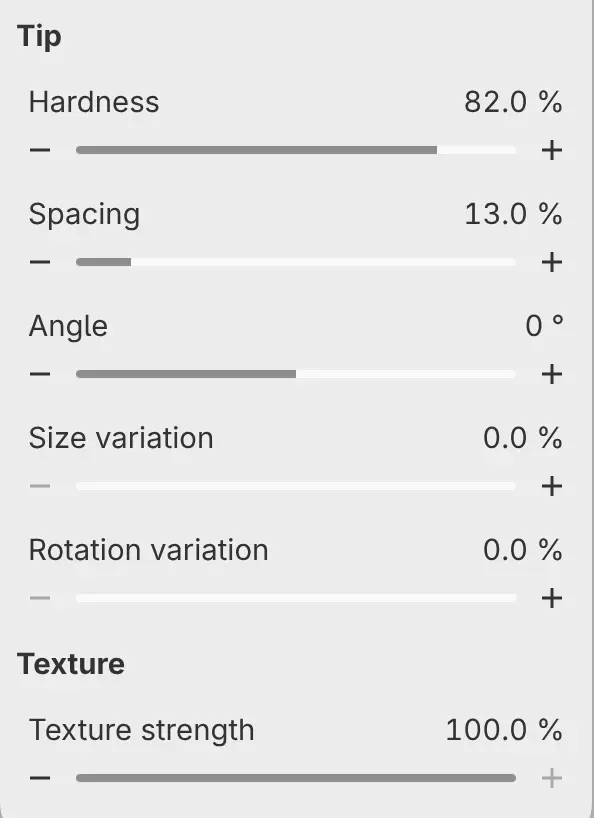
Tip
Dry-media brushes show only Tip angle.
Hardness
Sets how sharp the edge of each dab is. Lower values give a softer edge. Watercolor Wash and Wet Watercolor have a ragged tip and no Hardness.
Spacing
Sets the distance between dabs, as a percentage of the dab’s diameter at the current pressure. The slider goes up to 100%, and you can type values up to 1000%.
Tip angle
Turns the tip, from −180° to 180°. A round tip looks the same at any angle.
Size variation
Changes the size of each dab at random by up to this percentage either way. At 10%, dabs vary between 90% and 110% of the brush size.
Rotation variation
Sets how far each dab turns at random, as a fraction of a full turn in either direction.
Tips that turn with the stroke
The tips of Paintbrush, Textured Flat, Transparent Glaze, Opaque Gouache, Loaded Oil, Palette Knife, Watercolor Wash, Wet Watercolor, Dual Texture, Natural Blender and Blending Knife follow the direction of the stroke. Tip angle has no effect on these brushes.
Dry Scumble and Realistic Brushed Ink add the stroke direction to Tip angle.
Texture
Texture strength appears on the Pencil, Pastel and Paint sets (except Multiply Glaze), on Loaded Oil, Palette Knife and Dual Texture, and on eight blenders: Smudge, Soft Blender, Blending Stump, Tissue, Grainy Blender, Natural Blender, Blending Knife and Bristle Blender. A brush without it ignores Paper.
Brushes with Texture strength read the texture of the nearest Paper at or below their target layer. Choose and scale that texture in Paper.
Texture strength
Sets how strongly Paper texture changes coverage. At 0% the texture has no effect. On blenders, a light touch leaves the tooth of the paper unblended and pressure pushes the blend into it. Soft Blender starts at 0%.