Tip and texture
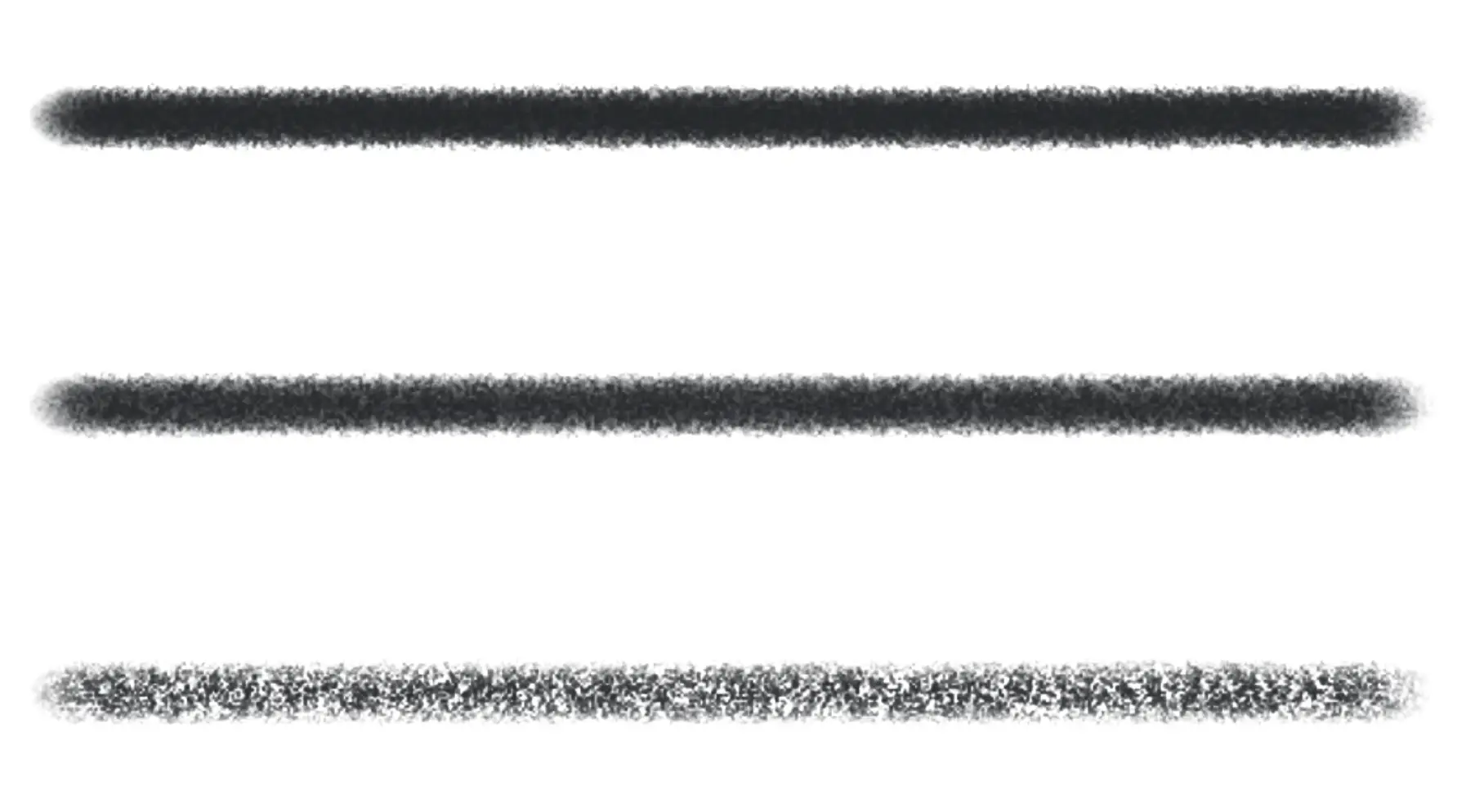
You can change the shape of each dab and how much paper grain shows in the mark with the Tip and Texture settings in the Tool panel (Size, opacity and flow).
Tip
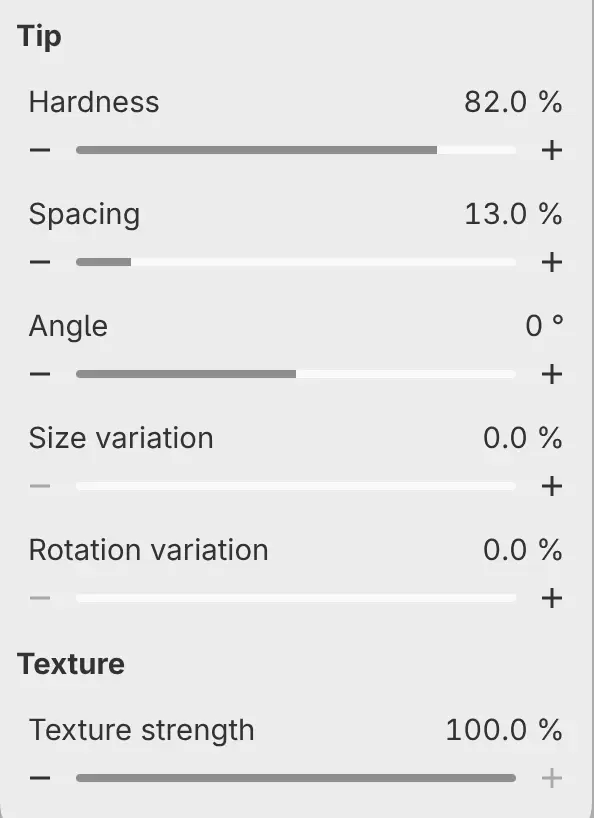
Hardness
Sets how sharp the edge of each dab is. Lower values give a softer edge. Watercolor Wash and Wet Watercolor have a ragged tip and no Hardness.
Spacing
Sets the distance between dabs, as a percentage of the dab’s diameter at the current pressure. The slider goes up to 100%, and you can type values up to 1000%.
Angle
Turns the tip, from −180° to 180°. A round tip looks the same at any angle.
Size variation
Changes the size of each dab at random by up to this percentage either way. At 10%, dabs vary between 90% and 110% of the brush size.
Rotation variation
Sets how far each dab turns at random, as a fraction of a full turn in either direction.
Tips that turn with the stroke
The tips of Paintbrush, Textured Flat, Pastel Block, Transparent Glaze, Opaque Gouache, Loaded Oil, Palette Knife, Watercolor Wash, Wet Watercolor, Dual Texture and Natural Blender follow the direction of the stroke. Angle has no effect on these brushes.
Dry Scumble and Realistic Brushed Ink add the stroke direction to Angle.
Texture
Texture strength appears on the pencil and pastel brushes, Paintbrush, Bristle Paintbrush, Textured Flat, Dry Scumble, Transparent Glaze, Opaque Gouache, Loaded Oil, Palette Knife, Dual Texture and Natural Blender.
Grain is fixed to the canvas. Each brush has its own grain, and you can’t change its size or choose another grain.
Texture strength
Sets how much the paper grain shows in the mark. At 0% the grain has no effect, and at 100% the paint follows the grain completely.