Smoothing
You can smooth a brush stroke while you draw. Smoothing settings are saved separately with each brush preset.
Strength
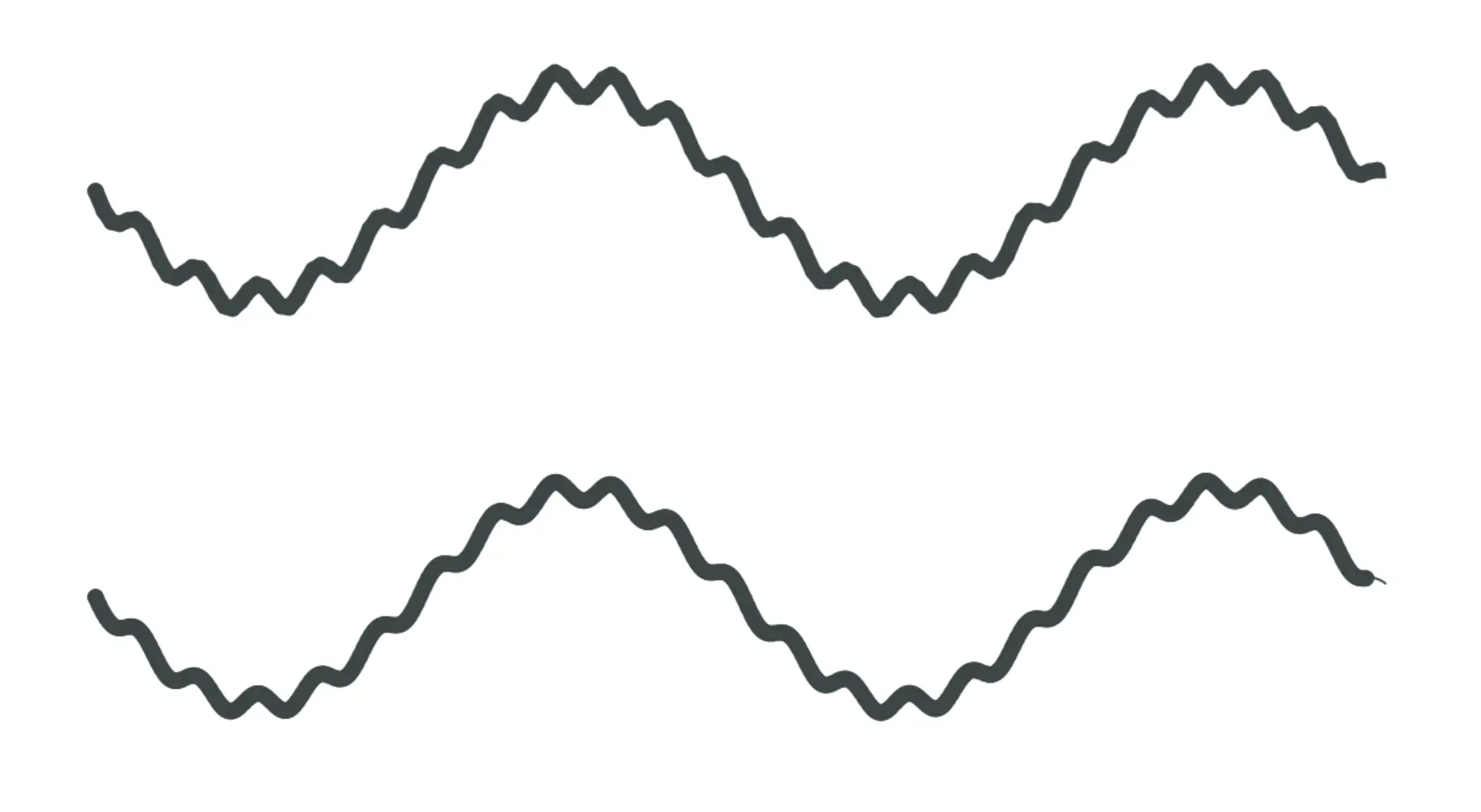
Strength sets how strongly the stroke follows a smoothed path. At 0, smoothing is off. A higher value removes more small changes in direction and makes the mark follow the pen farther behind.
Brush smoothing Strength is separate from the brush’s primary Strength setting.
Adjust by speed
Turn on Adjust by speed to reduce smoothing during faster movements and apply more smoothing during slower movements. Turn it off to use the selected Strength throughout the stroke.
Availability
The Smoothing group appears for freehand drawing and retouching tools that use a brush path. It is not available for tools whose path or shape is set by handles, points or a selection.
Use Resetting brushes to restore the preset’s smoothing settings.