Dry media
Dry-media brushes use pen pressure, pen tilt and the drawing’s Paper texture to shape each stroke.
Presets
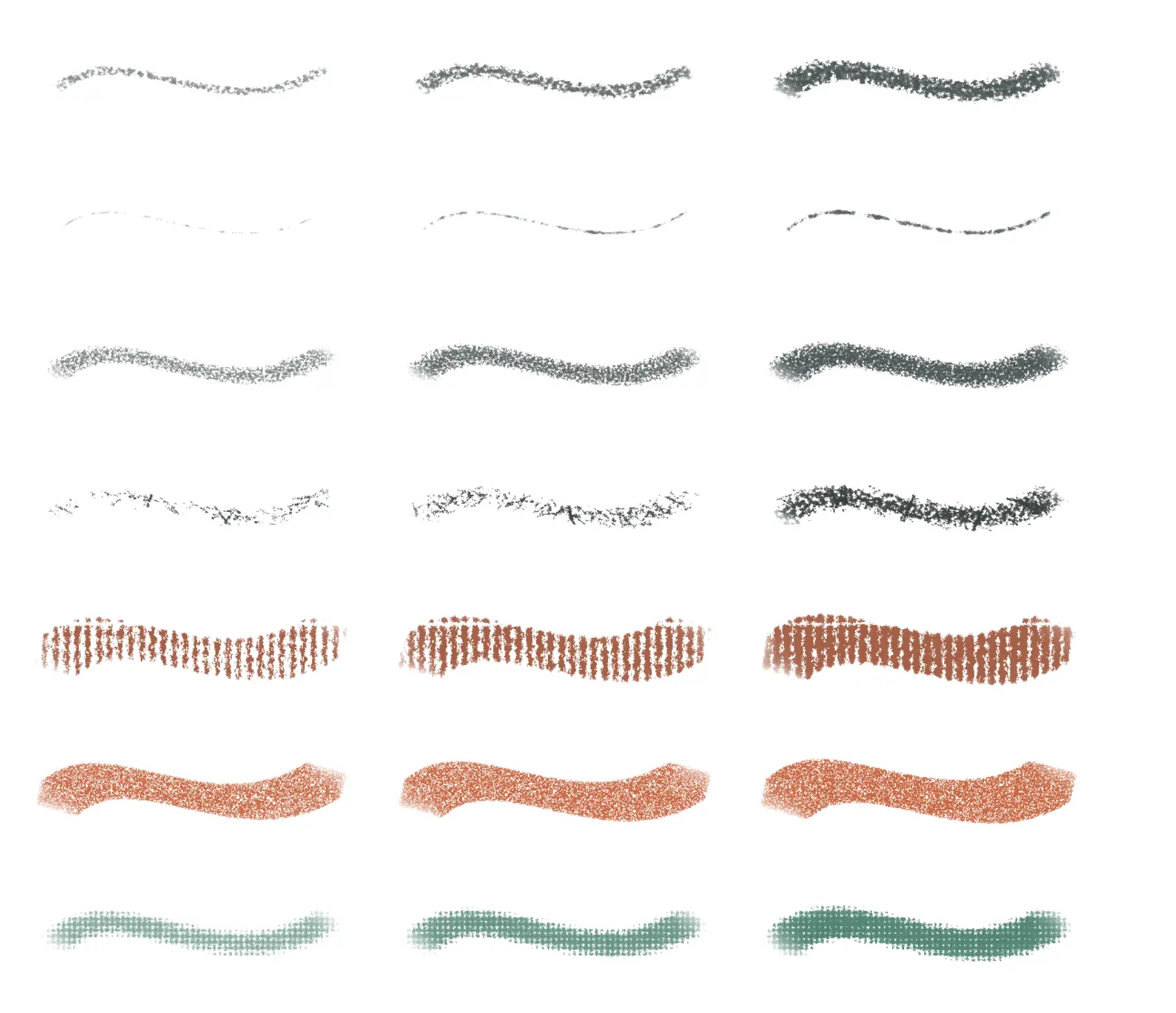
The built-in dry-media presets are Pencil, Pointy Pencil, Shading Pencil, Charcoal, Chalk, Pastel Block and Crayon. Select their tool in the Tools toolbar, then choose a preset in Tool Set.
Pencil and Pointy Pencil respond to pressure and tilt. Shading Pencil, Charcoal and Chalk use pressure for coverage and tilt for broad side strokes. Pastel Block uses the block’s edge or broad face as you tilt the pen. Crayon responds to pressure and tilt with a rounded mark.
Primary settings
Size
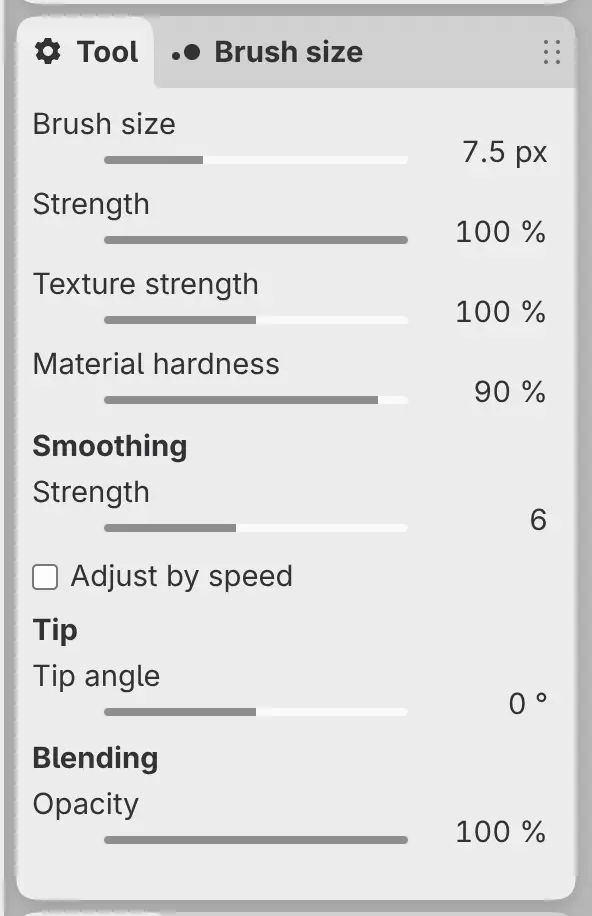
Sets the width of the mark. Tilt can make the visible mark broader than this value.
Strength
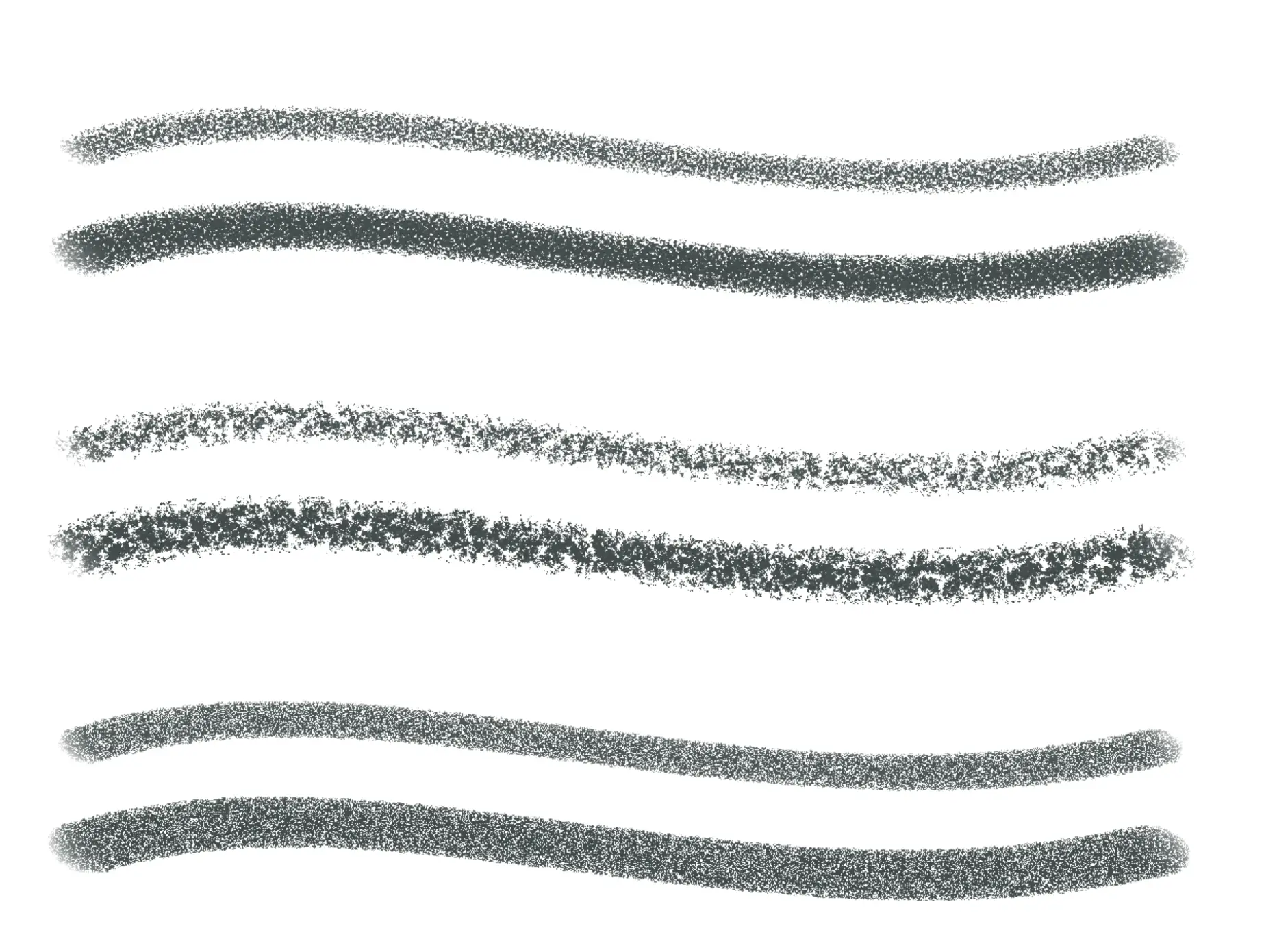
Sets how firmly the material marks the surface. Higher values fill more of the paper texture; lower values leave more gaps.
Texture strength
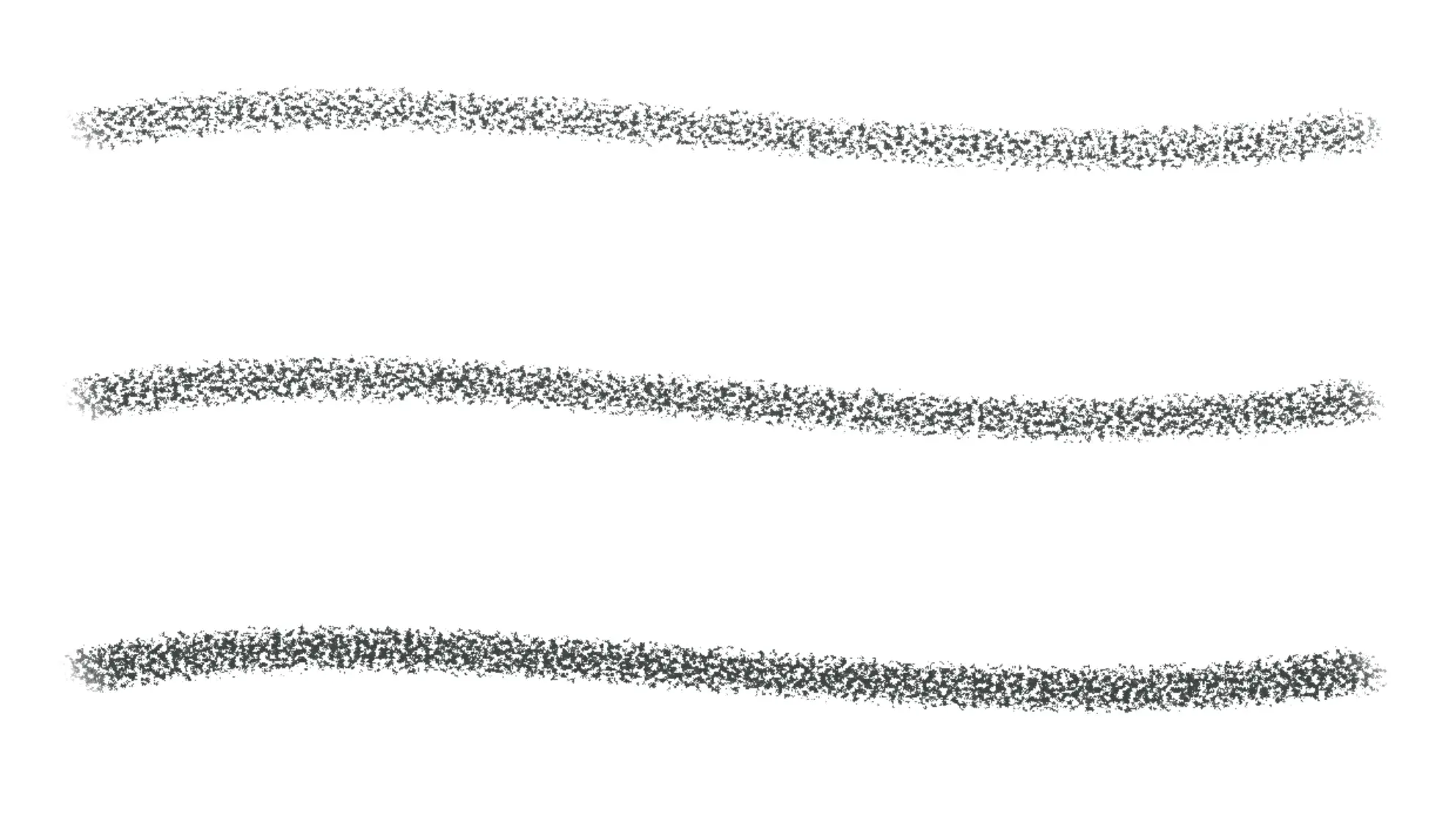
Sets how strongly the Paper texture changes stroke coverage. At 0%, the stroke does not respond to the Paper texture.
Material hardness
Sets how readily the material covers low and high parts of the Paper texture. Higher values make the material behave harder.
Paper texture
Dry-media strokes use the nearest Paper at or below the target layer. Hiding Paper does not stop its texture from affecting new strokes. Changing Paper does not change strokes already drawn.
Dry-media brushes do not show wet-media controls such as Bleed, Water load or Mixing. The exact Tip controls depend on the preset.