Before updating: Drawings and recovered sessions from 1.0.14 containing image layers may no longer be editable. Keep originals and export flattened PNGs before updating. Saved workspaces may reset.
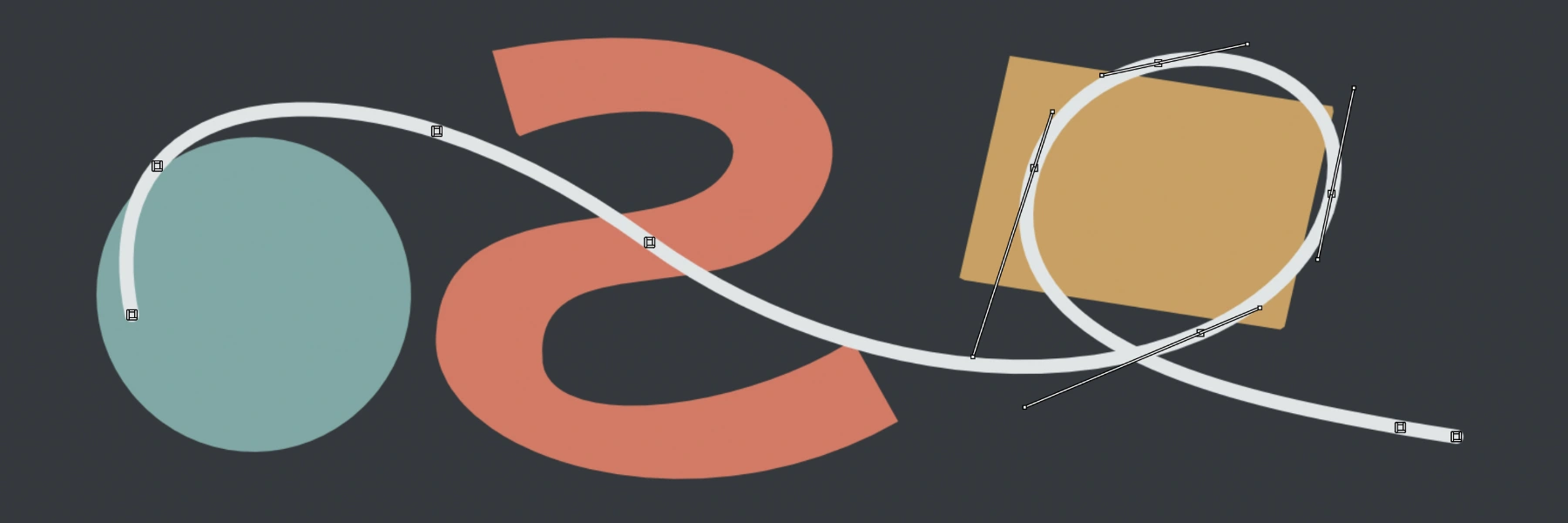
Vector layers
We now support vector drawing alongside raster painting, so you can get 100% crisp lines at any zoom level. SVG export will come in a future release.
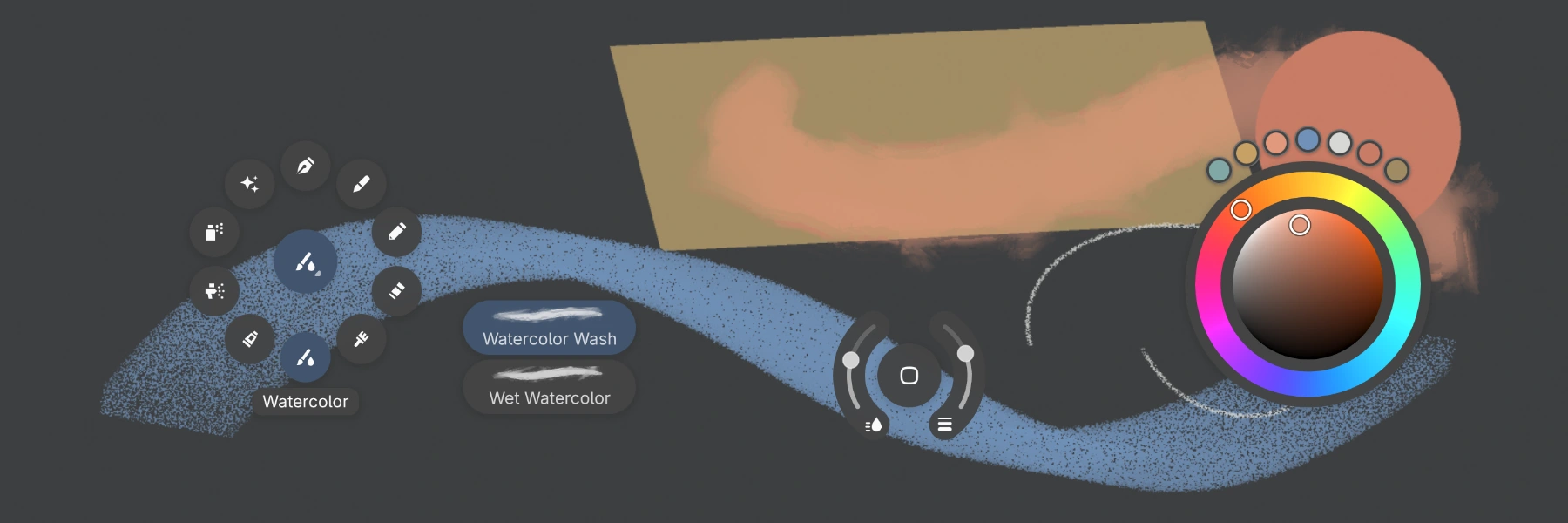
Tool bubbles
To help folks on small-screen devices, we are rolling out a new way to interact with tools. In Sketch mode, just drag and drop any tool in the canvas to have it close at hand.
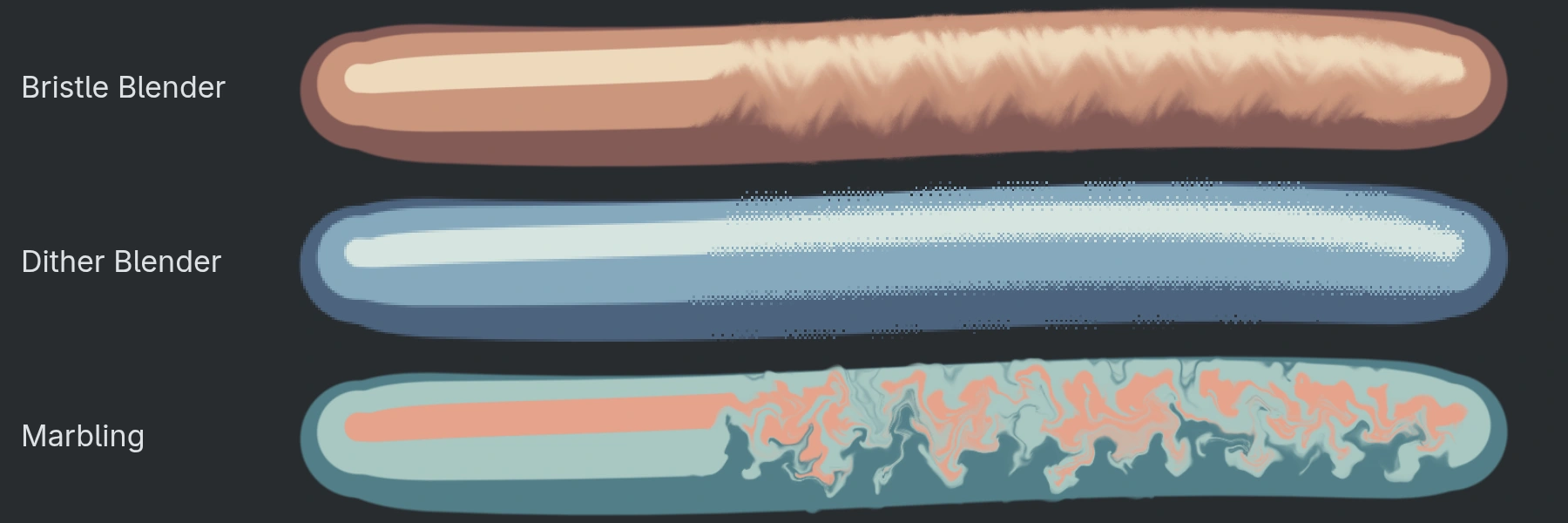
Blenders
We did a complete rewrite of our blending engine, adding a total of 18 new blenders, ranging from simulated physical media blenders that respect the texture of the paper, paint simulation blenders, as well as a few crazy looking ones for digital art.
Liquify
A full rewrite of the Liquify engine improves numerical stability in order to help keep lines and textures crisp when being liquified. This rewrite also enables a few new Liquify modes - Edge and Reconstruct.
Pen tilt calibration
Because pen tilt feels different on each device (and because many of the cheaper Android tablets actually report corrupted pen tilt data), we release a new pen tilt calibration UI that lets you change the tilt curve, sensitivity, and axis mapping so that tilt feels right for you on every device.
Other changes
Rotation now snaps to 0°, 90°, 180°, and 270° by default.
Canvas action bars like for the selection and transform tools, have been entirely redesigned for ease of use.
On Windows, opening a .capy drawing from Explorer while Capy Canvas is closed may fail. Start Capy Canvas first, then use File → Open. This also affects v1.0.14; original files remain unchanged.
Contributors
Special thanks to @dacreativegenius for extensive Android and iOS hardware testing, checking canvas startup fixes on iPad and Surface Duo, and helping us improve layouts on smaller screens. Thanks also to @pierodev0 for the detailed blending report, @mayumi-dayo for suggesting rotation snapping, @Extner32 for reporting the Zen-mode Escape bug, perspective-transform crash, and workspace usability issues, and @bgardner104-max for image-import feedback.
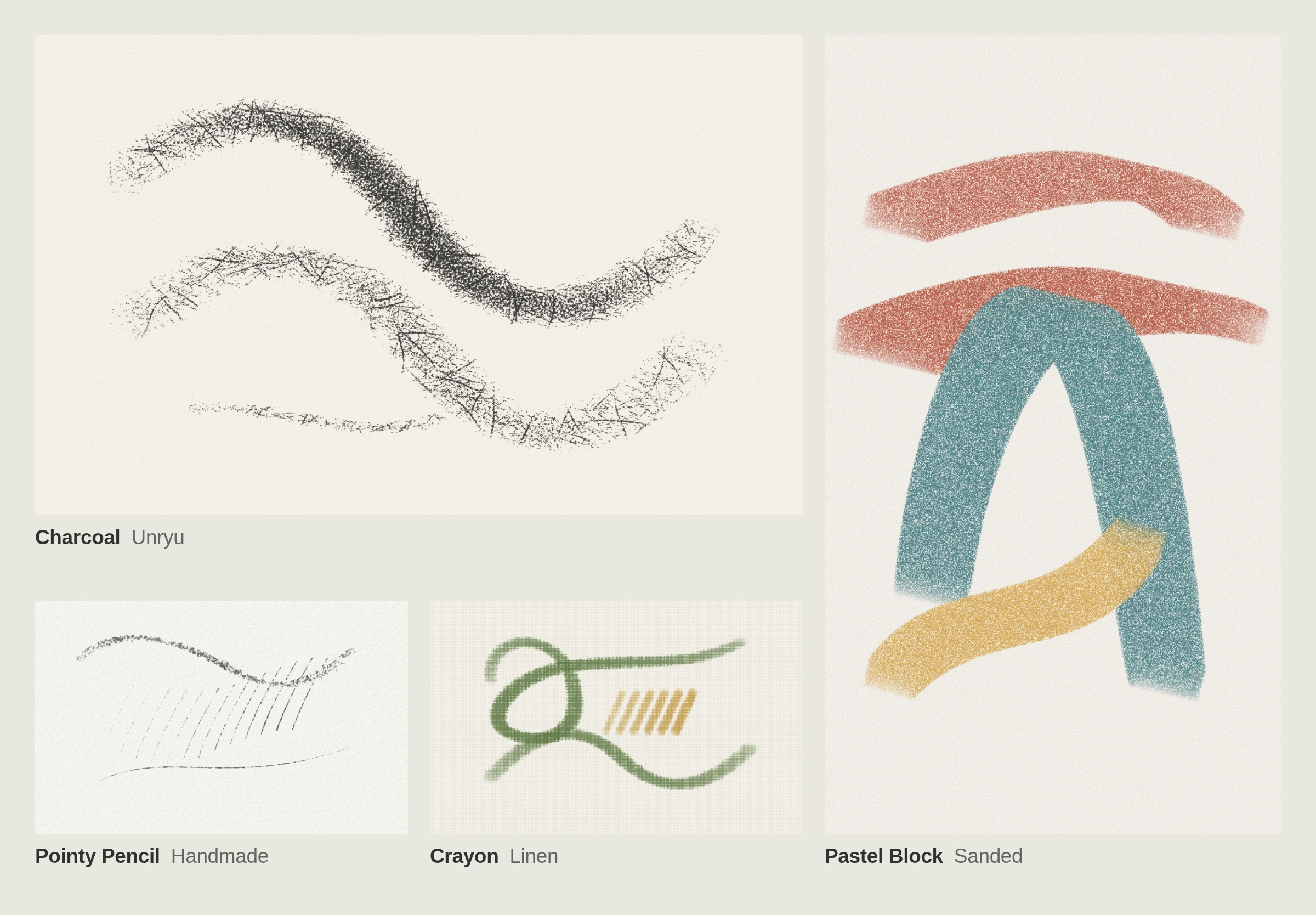
We redesigned the dry media simulation engine from scratch to accurately simulate pencils, charcoal, chalk, pastels, and crayons. Pen pressure and tilt affect stroke shape and coverage, with separate controls for material hardness, paper texture response, and stroke opacity.
This release also adds built-in paper types, including Bristol, hot and cold press watercolor paper, sanded paper, washi, canvas, and linen. You can import your own paper textures, change their scale and lighting, and control how much texture shows through paint. Native app exports include Paper lighting.
Copy and paste selected areas, layers and masks, or paste into a new drawing. Zoom, Hand, Rotate, recovery and Safari startup improve.
Imported and pasted images keep original pixels in Object layers until Rasterize Layer.
This beta changes the Object-layer format. Earlier Object-layer drawings cannot be edited in this version. Before updating, export flattened PNG copies and keep original drawing files.
Pre-release file compatibility: This release uses the current drawing format. Drawings and open sessions that use the older format, including those from 1.0.0, are not compatible with editing in this version. Before updating an older build, export any work you want to keep as PNG (a flattened copy) and retain the original .capy files. Older saved drawings may open only as preserved previews; the original files are kept unchanged. Avoid using these pre-release builds for important work while the format is changing.
This maintenance release improves Android downloads and delivery of test builds.
Android downloads pass the latest Google Play signature checks.
Verified Android builds reach internal testers before closed-beta review.
iPad test builds reuse the signing identity for future updates.
Android downloads open without requiring installation through Google Play.
Android updates keep the signing identity of existing installations.
The app name follows your language on supported platforms.
Title bar spacing follows the selected control size.
The iPad/TestFlight build is unavailable for this version because the Apple account reached its development signing certificate limit.
The Android bundle was uploaded to Google Play. Its Google-signed APK passed the release validator using Java 25; the original CI verifier failed because its Java runtime lacked ML-DSA support. This recovered release does not include the workflow’s build provenance attestations.